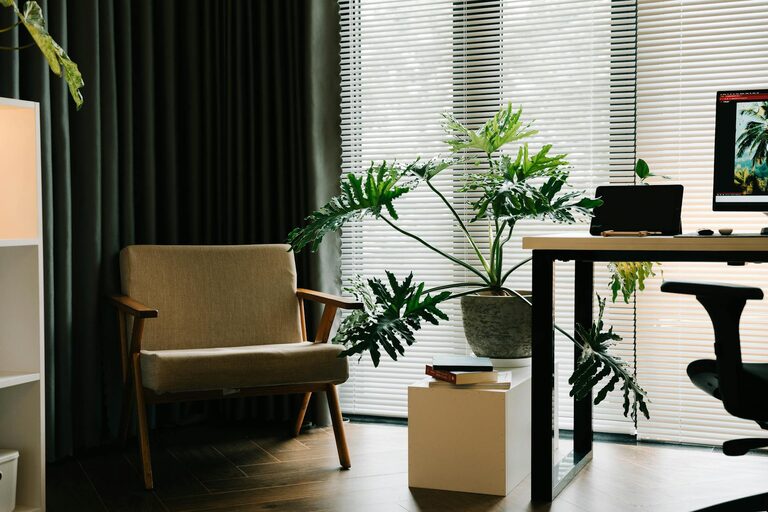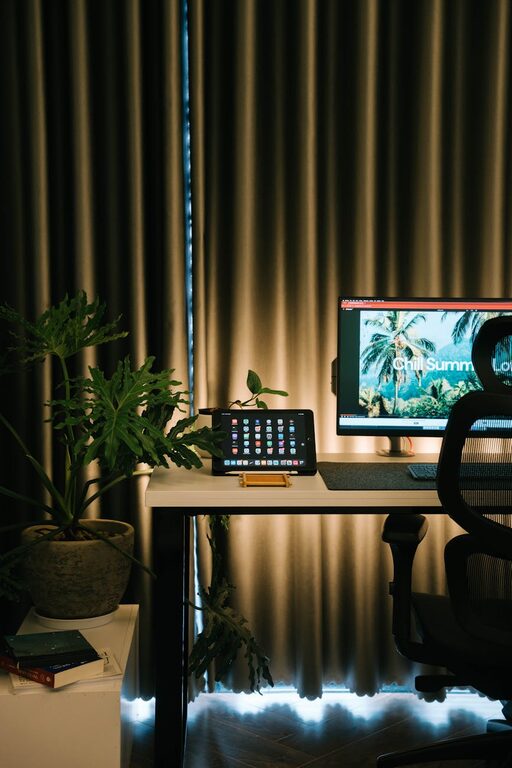
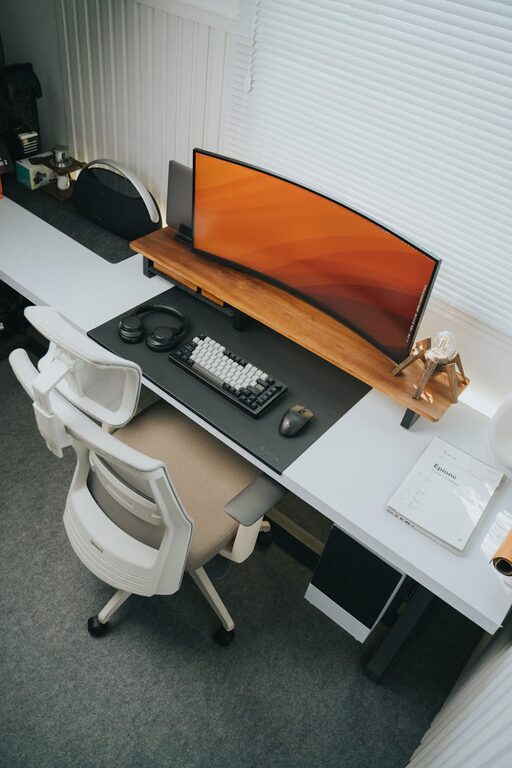
Creating a productive workspace at home starts with one key element: organization. A clutter-free home office can help reduce distractions, improve focus, and make your workday smoother. Whether you work remotely full-time or need a dedicated space for occasional tasks, organizing your office is essential. Here are practical tips to help you design an efficient, clutter-free home office that supports peak productivity.
Why Organizing Your Home Office Matters
A messy workspace can lead to stress, wasted time searching for items, and decreased motivation. When your desk is clean and everything has a place, your mind feels calmer, and you can focus better on the task at hand. An organized office also helps promote better posture and ergonomics since you have room to set up your equipment thoughtfully.
—
Step 1: Declutter Thoroughly
Begin by removing everything from your workspace. Sort through papers, office supplies, and gadgets to decide what to keep, what to store elsewhere, and what to discard or recycle.
Tips for Effective Decluttering
– Use the Four-Box Method: Label boxes as “Keep,” “Donate/Sell,” “Trash,” and “Relocate.” This helps clarify what stays in your office and what doesn’t.
– Be Honest: If you haven’t used an item in six months, consider if it’s necessary.
– Limit Paper: Digitize important documents to reduce paper clutter. Use apps or scanners to store papers on your computer securely.
Decluttering sets a fresh foundation to build an organized space.
—
Step 2: Choose Functional Storage Solutions
Once decluttered, think about storage that fits your needs.
Storage Ideas
– Floating Shelves: Great for freeing up desk space and keeping frequently used items within reach.
– Desk Organizers: Use pen holders, paper trays, and drawer dividers to keep small items tidy.
– File Cabinets: For physical documents, a compact filing cabinet keeps things neat and accessible.
– Boxes and Baskets: Use labeled boxes or baskets for supplies or cables, which helps minimize visual clutter.
Aim to store items according to how often you use them. Keep everyday essentials close at hand; store rarely used items elsewhere.
—
Step 3: Design an Ergonomic and Inviting Setup
An organized workspace should also be comfortable and inviting.
Ergonomic Tips
– Desk Height: Your desk should allow your arms to rest comfortably at a 90-degree angle.
– Chair Support: Choose an adjustable chair with good lumbar support.
– Monitor Position: Place your monitor at eye level to reduce neck strain.
– Lighting: Maximize natural light, and add a desk lamp to avoid eye strain.
A well-thought-out setup encourages longer, more comfortable work sessions.
—
Step 4: Develop Daily and Weekly Habits
Keeping clutter at bay requires ongoing effort.
Daily Habits
– Tidy Your Desk at Day’s End: Spend 5-10 minutes clearing off your desk.
– Sort Inboxes: Whether physical or digital, empty your inbox daily and file or delete unnecessary items.
Weekly Habits
– Review Your Supplies: Replenish items you use often, and declutter anything that’s no longer needed.
– Clean Your Workspace: Dust and wipe surfaces to maintain a fresh environment.
Building organization into your routine makes clutter less likely to accumulate.
—
Step 5: Personalize Without Overcrowding
A few personal touches can boost mood and motivation but avoid overcrowding your desk with distractions.
Ideas for Personalization
– A small plant to add life and fresh air
– A framed photo or inspirational quote
– A stylish but practical mouse pad or desk mat
Balance is key—personalize your space in a way that energizes without overwhelming.
—
Step 6: Use Technology to Stay Organized
Technology can help reduce clutter and increase efficiency.
– Calendar Apps: Keep track of deadlines and appointments digitally.
– Task Management Tools: Use apps like Trello, Asana, or a simple to-do list to organize tasks.
– Cable Management: Use clips or sleeves to keep charging cords and cables neat.
Embrace tools that suit your workflow to minimize physical clutter and streamline tasks.
—
Final Thoughts
Organizing a clutter-free home office is more than just tidying up. It requires thoughtful planning, consistent habits, and mindful use of space and technology. By decluttering, setting up smart storage, focusing on ergonomics, and developing daily routines, you can create a workspace that supports your productivity and well-being.
Remember, your home office should be a space that works for you—adapt these tips to fit your style and needs. A clutter-free environment makes room for clarity, creativity, and success.
—
By implementing these strategies, you’ll build a home office that not only looks neat but also helps you do your best work every day. Happy organizing!

Related Posts