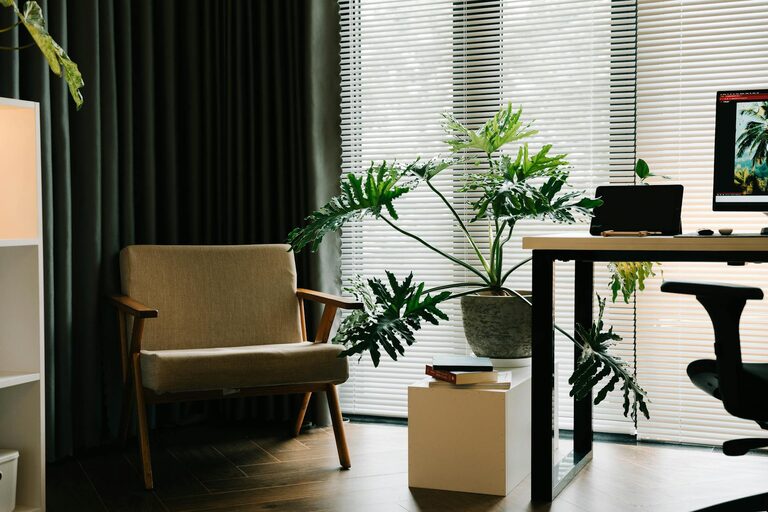
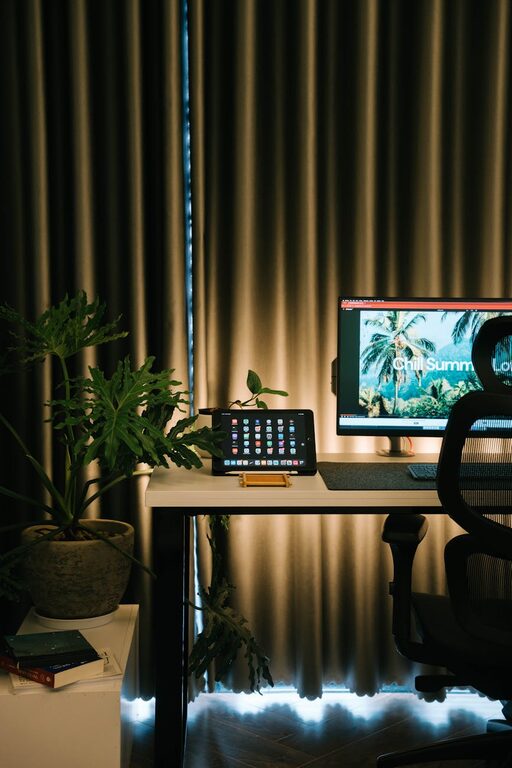
Creating a home office that feels both cozy and productive is essential for anyone working remotely or managing tasks from home. A well-designed workspace not only supports focus and efficiency but also helps maintain comfort and reduce stress. Whether you have a dedicated room or a small corner, these tips will help you transform your space into an inviting and functional office.
Choose the Right Location
Find a Quiet Spot
Select a space in your home that has minimal distractions and noise. This could be a spare room, a nook, or even a part of your living room. The key is to have a place where you can concentrate without interruptions.
Consider Natural Light
Natural light helps improve mood and energy levels. Position your desk close to a window if possible, but avoid glare on your computer screen. If natural light is limited, invest in good quality lighting that mimics daylight.
Invest in Comfortable Furniture
Ergonomic Chair and Desk
Comfort is key to staying productive. Choose an ergonomic chair that supports your back and encourages good posture. Your desk should be at a height that allows your arms to rest comfortably while typing.
Multi-functional Furniture
If space is tight, consider furniture that serves multiple purposes, such as a desk with storage drawers or a fold-out chair. This helps keep the area organized while saving space.
Personalize Your Workspace
Add Cozy Elements
Incorporate items like soft cushions, a warm throw blanket, or a rug to add comfort. These elements can make your home office feel inviting and less sterile.
Include Plants
Greenery adds life to any room and can improve air quality. Small indoor plants or succulents are easy to care for and brighten the space.
Organize and Declutter
Use Storage Solutions
Keep your desk tidy with organizers for pens, papers, and other essentials. Shelving units or filing cabinets help store documents and supplies neatly out of sight.
Cable Management
Use clips or cable organizers to prevent cords from tangling and creating a messy look. A clean workspace enhances focus and reduces distractions.
Maintain Good Lighting
Layered Lighting
Combine ambient lighting (such as ceiling lights) with task lighting (like a desk lamp). Adjustable lamps allow you to control the light intensity based on the time of day and task.
Avoid Eye Strain
Ensure that your lighting setup reduces glare on screens and shadows. Position your screen perpendicular to windows when possible to avoid bright reflections.
Establish Productivity Zones
Separate Work and Relaxation
If your office doubles as another room, create distinct zones for work and downtime. This mental separation helps maintain a healthy work-life balance.
Use Visual Cues
Area rugs, room dividers, or different wall colors can help define the workspace and signal when it’s time to focus.
Keep Essentials Within Reach
Prioritize Accessibility
Store frequently used items within easy reach to avoid disruptions. A well-stocked desk reduces the need to leave your workspace unnecessarily.
Prepare for Breaks
Have a water bottle, healthy snacks, or even a diffuser with your favorite scent nearby. Taking short breaks with these items can refresh your mind and improve concentration.
Incorporate Technology Wisely
Reliable Equipment
Invest in good quality technology, including a fast internet connection, an ergonomic keyboard, and a clear webcam if you attend virtual meetings.
Minimize Screen Time
Balance screen use with handwritten notes or printed documents to reduce eye fatigue.
Final Thoughts
Designing a home office that balances coziness and productivity isn’t about having a fancy setup; it’s about creating a space that works for you. Pay attention to comfort, lighting, organization, and personalization to make your work-from-home experience enjoyable and efficient. With these tips, you’ll be closer to crafting a workspace that motivates and supports your daily tasks.

Related Posts