Creating a productive home office environment is essential for anyone working remotely or pursuing personal projects. A well-designed workspace can enhance focus, reduce stress, and improve overall work quality. In this post, we’ll explore practical tips to help you set up a home office that encourages productivity and comfort.
Choose the Right Location
Selecting the right spot for your home office is the first step toward productivity. Ideally, pick a quiet area with minimal distractions. If possible, a separate room with a door can help signal to others that you’re working and provide a sense of privacy.
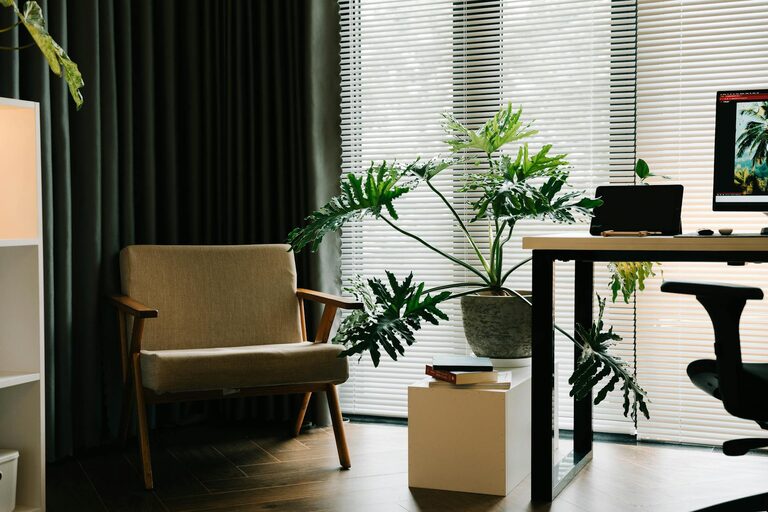
Consider natural light when choosing your office location. Exposure to daylight can improve mood and energy levels throughout the day. If natural light is limited, invest in good quality lighting that mimics daylight to avoid eye strain.
Invest in Comfortable and Functional Furniture
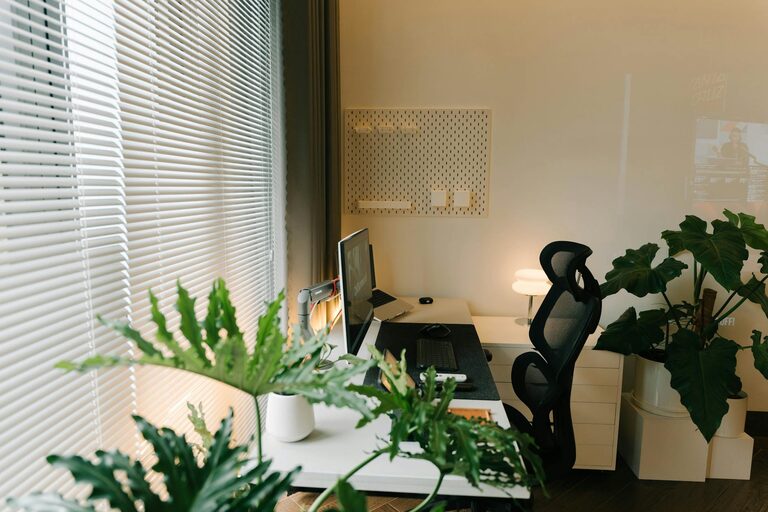
Comfort is crucial for long hours at your desk. Choose an ergonomic chair that supports your back and encourages good posture. Adjustable chairs and desks can help you maintain comfort whether you prefer sitting or standing while working.
A sturdy desk with enough surface area for your computer, documents, and other essentials will help keep your workspace organized. Consider desks with built-in storage options or add shelves nearby to keep supplies within reach.
Organize Your Workspace Effectively
Clutter can be a major distraction. Keep your desk tidy by organizing your supplies and documents. Use drawer organizers, filing cabinets, or desktop organizers to keep everything in place.
Cable management tools are also helpful to prevent tangled cords and maintain a clean setup. Labeling files and digital folders helps you locate important information quickly.
Minimize Distractions
Distractions can break your concentration and reduce productivity. Try to limit noise by using noise-cancelling headphones or adding soft furnishings (like rugs and curtains) to absorb sound.
Set boundaries with household members during work hours. Using visual cues like a “Do Not Disturb” sign can remind others when you need uninterrupted focus.
Use Technology Wisely
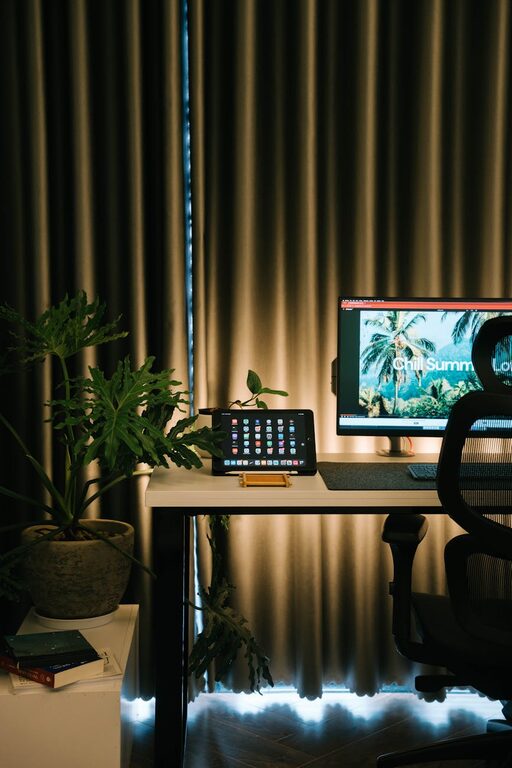
Equip your home office with reliable technology. A fast internet connection and a good quality computer or laptop are basics. Additional tools such as an external monitor, keyboard, or mouse can improve comfort and efficiency.
Utilize productivity apps and tools to help manage your time and tasks. Calendar apps, to-do lists, and focus timers can keep you on track.
Personalize Your Space
Adding personal touches to your workspace can make it more inviting and motivating. Consider adding plants, artwork, or meaningful photos. However, try to avoid cluttering the space with too many items.
Choose colors that promote calm and focus; blues, greens, and neutrals are generally good options. Scents like lavender or peppermint using essential oil diffusers can also create a pleasant atmosphere.
Maintain a Routine and Take Breaks
A productive office isn’t just about the physical setup—it’s also about habits. Set a consistent work schedule to help your mind transition into “work mode.”
Remember to take regular breaks to stretch, hydrate, or get fresh air. Short breaks can improve focus and prevent burnout during long work sessions.
Keep Your Workspace Clean and Well-Maintained
Regularly clean your workspace to keep dust and germs at bay. A clean environment contributes to your well-being and helps maintain productivity.
Schedule time weekly to tidy up and check your equipment. Replacing worn-out furniture, updating technology, or refreshing your office decor can keep your workspace enjoyable over time.
—
Creating a productive home office environment is an ongoing process. By choosing the right location, investing in comfortable furniture, organizing your space, minimizing distractions, using technology wisely, personalizing your area, maintaining routines, and keeping everything clean, you can build an office that supports your best work every day.

Related Posts