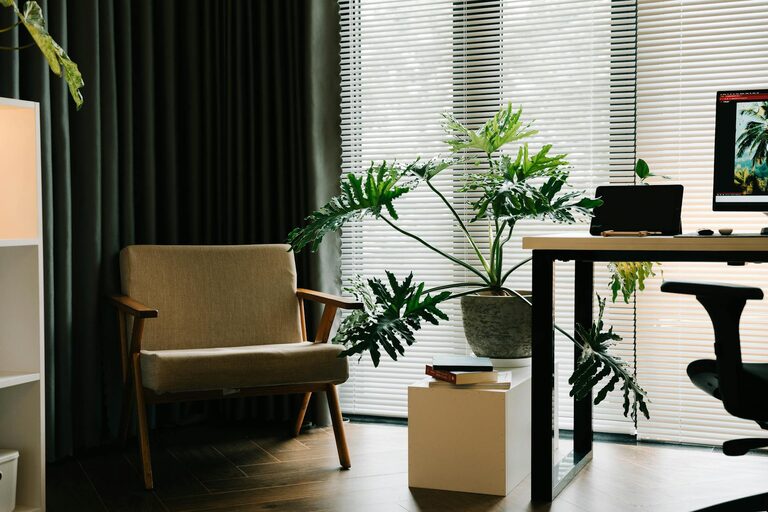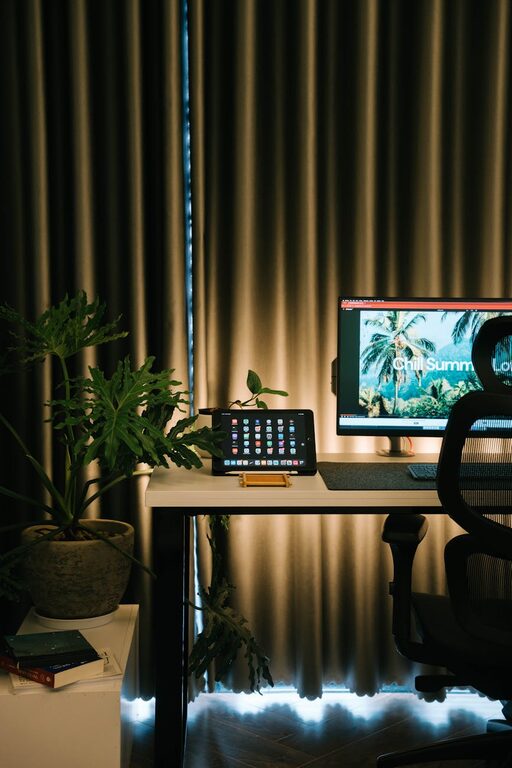
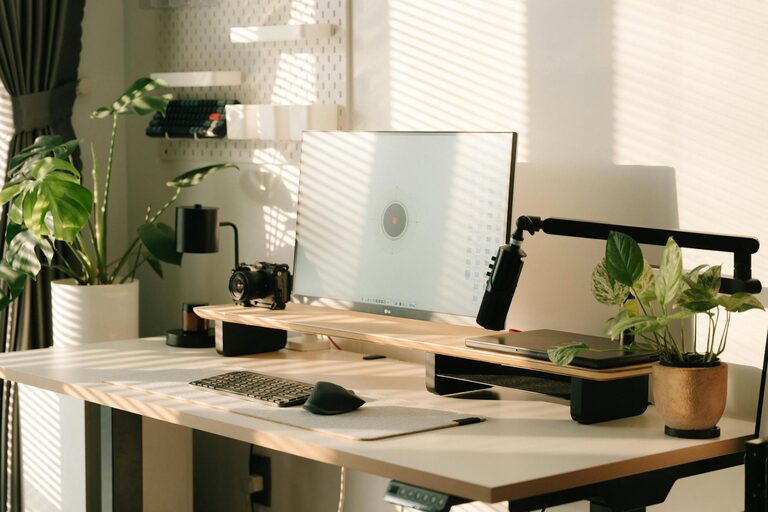
Creating a productive home office space is essential as more people embrace remote work and flexible schedules. A well-designed workspace can improve focus, reduce distractions, and make your workday more enjoyable. Whether you have a dedicated room or a small corner, these tips will help you set up a home office that supports your productivity and well-being.
Choose the Right Location
Start by selecting the best spot for your home office. Consider these factors:
– Privacy: Pick a quiet area away from household noise and traffic.
– Natural Light: If possible, choose a space near a window to benefit from daylight which can improve mood and reduce eye strain.
– Space: Make sure there’s enough room for your desk, chair, and any equipment without feeling cramped.
Invest in Comfortable and Ergonomic Furniture
Your body will thank you for choosing furniture that supports good posture.
– Ergonomic Chair: Look for adjustable chairs that support your lower back.
– Desk Height: Your desk should allow your arms to form a 90-degree angle while typing.
– Standing Options: Consider a sit-stand desk to alternate between sitting and standing during the day.
Organize Your Workspace Efficiently
A clutter-free desk helps you stay focused and reduces stress.
– Declutter Regularly: Keep only essential items on your desk.
– Storage Solutions: Use shelves, drawers, or boxes to organize documents and supplies.
– Cable Management: Use clips or sleeves to keep cords tidy and avoid tangles.
Optimize Lighting
Proper lighting reduces eye strain and enhances focus.
– Natural Light: Maximize daylight, but avoid glare on your screen.
– Task Lighting: Use a desk lamp with adjustable brightness for detailed work.
– Ambient Lighting: Soft overhead lighting reduces harsh shadows.
Minimize Distractions
Controlling your environment helps maintain concentration.
– Noise Control: Use noise-cancelling headphones or play white noise if needed.
– Set Boundaries: Communicate work hours to family or roommates.
– Phone Management: Keep personal phone distractions to a minimum during work time.
Personalize Your Space
Adding personal touches can make your office inviting.
– Decor: Use plants, art, or photos that inspire you.
– Color Choices: Soft colors usually promote calmness and focus.
– Comfort Items: A cozy throw or cushion makes long hours more comfortable.
Establish a Routine
Your environment works best when paired with good habits.
– Consistent Schedule: Set regular work hours to separate work and leisure time.
– Break Reminders: Take short breaks to stretch and move around, improving overall productivity.
– End-of-Day Ritual: Clear your desk and plan for the next day to maintain a fresh start.
Use Technology Wisely
Equip your office with tools that support your work.
– Reliable Internet: Ensure your connection is fast and stable.
– Quality Equipment: Invest in a good monitor, keyboard, and mouse for comfort and efficiency.
– Software: Utilize apps for time management, communication, and task organization.
Keep Air Quality and Temperature Comfortable
A comfortable environment improves focus and energy.
– Ventilation: Open windows or use air purifiers to keep air fresh.
– Temperature: Maintain a comfortable room temperature to avoid distractions caused by being too hot or cold.
Final Thoughts
Designing a productive home office space is about creating an environment that supports your work habits and well-being. With thoughtful planning and small changes, you can build a comfortable, organized, and inspiring workspace that helps you stay focused and enjoy your work-from-home experience. Remember, the best workspace is one that fits your personal needs and style.

Related Posts